Record the existing arrangement
Photograph the workstation from the front and underneath before disconnecting cables. Label both cable ends and note the devices they serve. Disconnect equipment from power according to its instructions. A photograph helps identify connections, but does not replace checking damaged cables or unsuitable power arrangements before reconnecting them.
Empty drawers and remove loose trays. Check which accessories need removing for transport. A monitor arm increases the overall dimensions and strains its mounting if allowed to swing freely. Remove and separately pack the screen first, following its instructions. You can then access the clamp on the desk.
Assess the mechanism and top separately
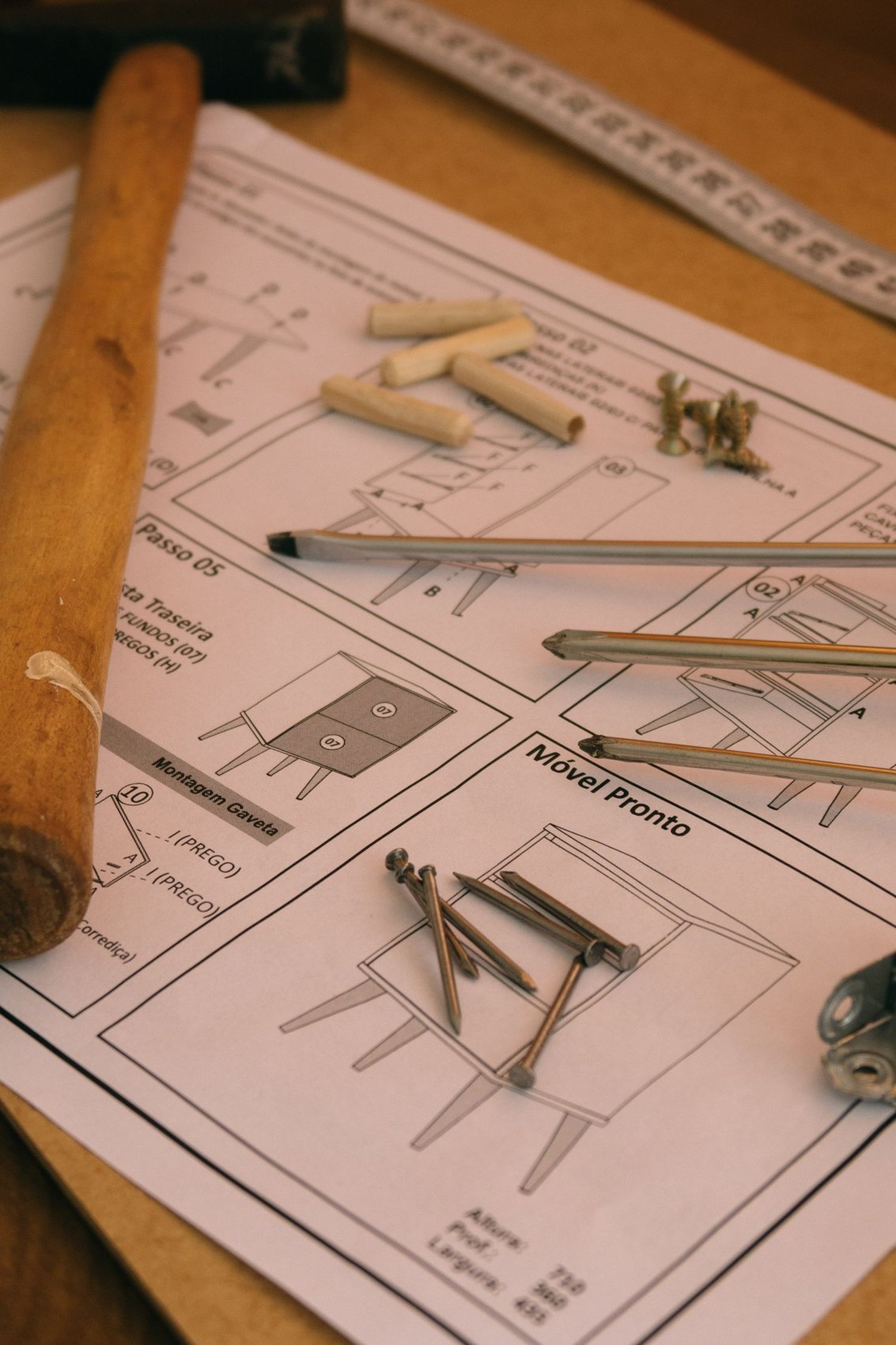
For adjustable desks, use the transport guidance for the exact model. Controllers, motor leads and control panels must not hang from their cables. Record plug connections and keep the correct screws with each accessory. Dismantle the frame only as intended; welded or permanently joined sections do not need improvised separation.
A large top needs edge protection and appropriate support. Protect cable openings and projecting brackets. Do not tape metal parts directly underneath where they could knock against the top during travel. A small labelled accessory box keeps clamps, the cable tray and connection parts together.
Build the working surface first
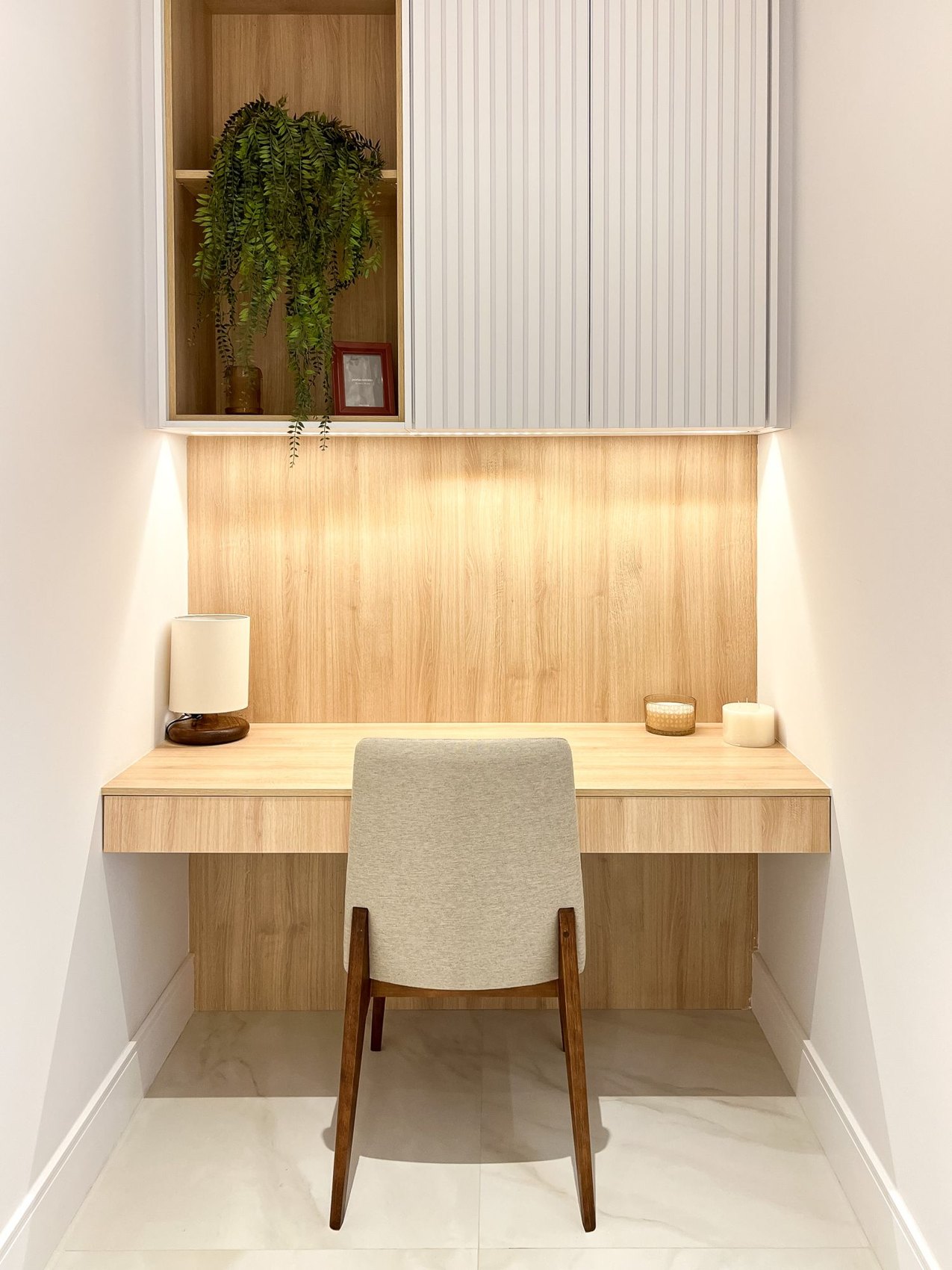
At the destination, assemble the desk fully in its planned position before adding equipment. Allow room for the chair, drawers and any height adjustment. Check all specified connections and follow the manufacturer's procedure for commissioning or resetting if required. No cable should become taut or catch on an edge when the desk rises.
Only then install the screen and accessories. Route cables so their connections remain accessible and loose wires do not pile up underneath. Keep essential work supplies separately available if the full setup will not be finished until the following day. Test the available movement gently before placing drinks or other loose items on the desk.